
Access user Active Directory details via the User Profile Service in an InfoPath form.
- InfoPath
- Posted by: Hayden Sinclair
- Read 3565 times
- font size decrease font size increase font size
Forms should make life easy for users. Anything you can do to help the user complete the form faster will improve the usability and acceptance of your project.
Users expect that they should not have to fill in their name, email address or phone number to the form, if that information is already stored in Active Directory. We can easily get these details by accessing the User Profile Service via a Data Connection in InfoPath.
Here’s how to access the User Profile Service in an on-premise hosted SharePoint environment.
Note: If you are using Office365 or Microsoft's SharePoint Online you are out of luck when it comes to this one! This feature has been disabled by Microsoft as a security precaution.
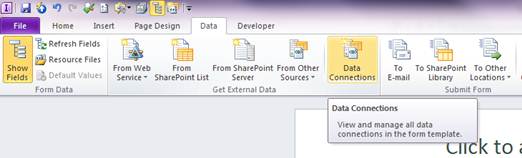
Click on Data Connections
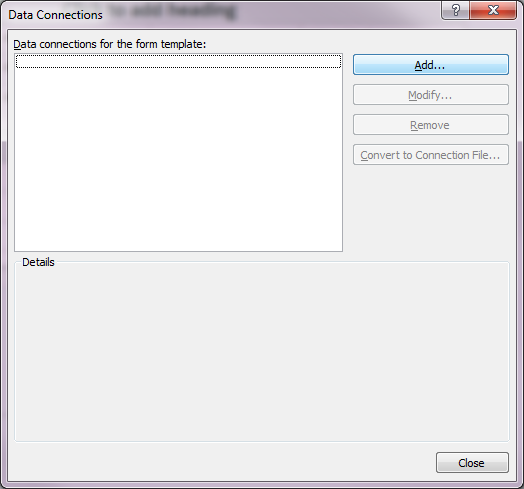
Select Add
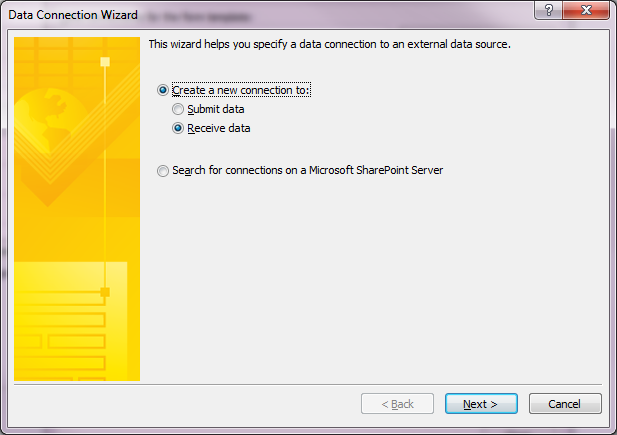
Choose Receive Data
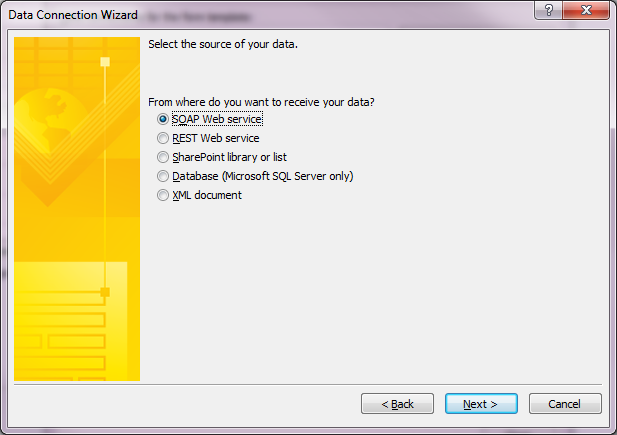
Select SOAP Web Service
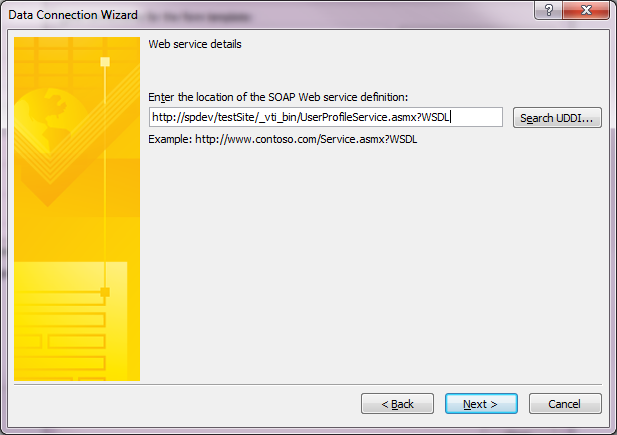
Paste In your URL to your site home page and append _vti_bin/UserProfileService.asmx?WSDL
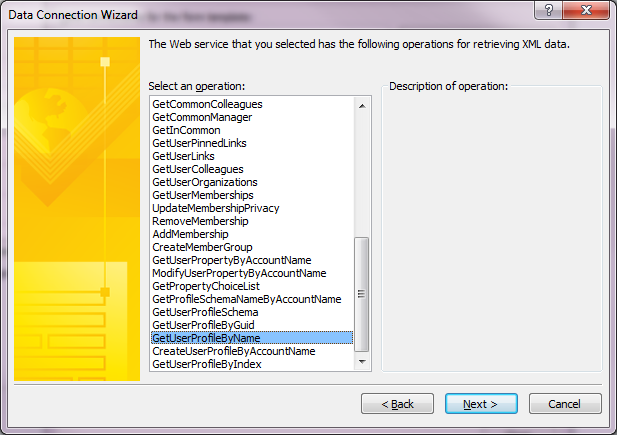
Choose GetUserProfileByName
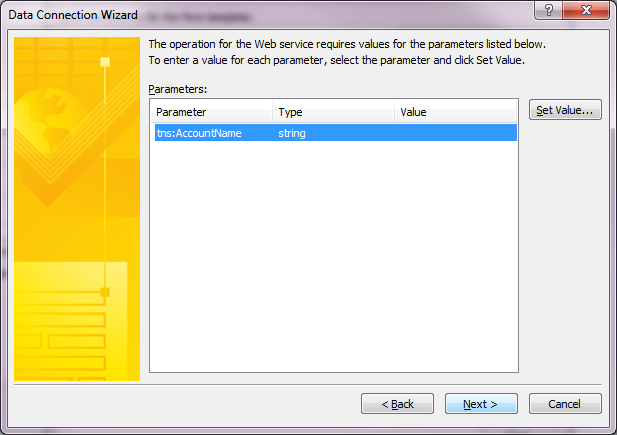
Click Next.
Click Next
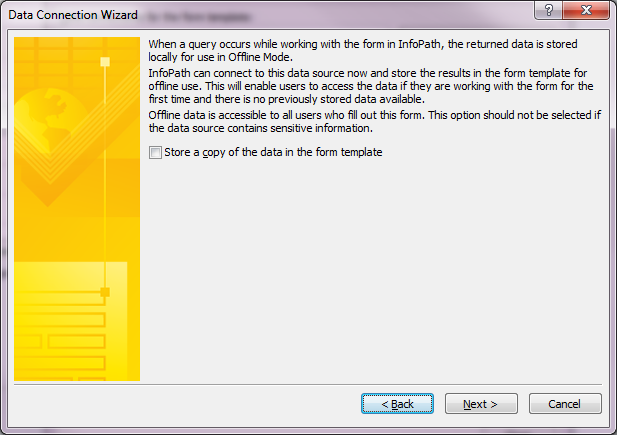
Click Finish
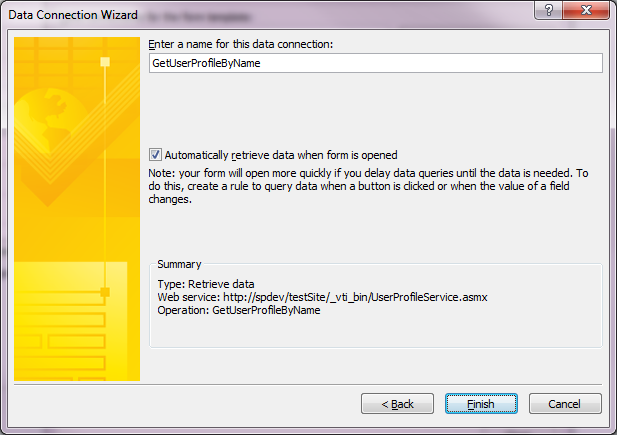
Job Done.
Latest from Hayden Sinclair
- Introducing Compact, Your AI-Powered Power Platform Contract Management Solution
- Introducing OIA Manager: Purpose-Built for New Zealand's Transparency Requirements
- The SharePoint Agency London Office is now open for business
- InfoPath to be removed from SharePoint Online after July 2026
- PnP Modern Search Webparts